Guest article
Emirates NBD Balance Check: How to Check Your Bank Balance in the UAE
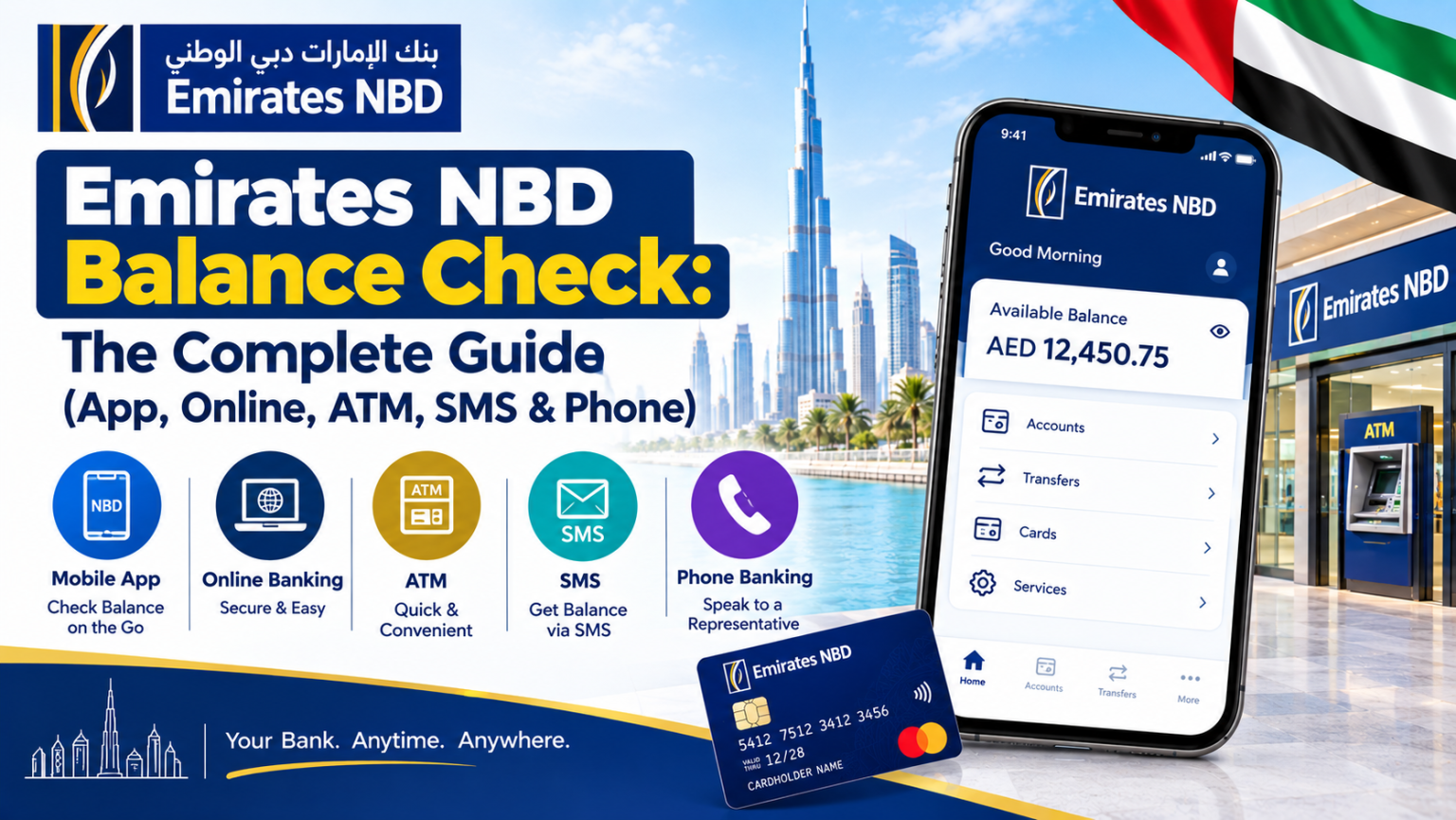
Emirates NBD Balance Check: How to Check Your Bank Balance in the UAE
Keeping track of your bank balance is an important part of managing everyday finances in the UAE. Whether you receive your salary through a bank account, make regular payments, or monitor monthly expenses, checking your available balance helps you understand how much money you have available.
Emirates NBD customers can use the bank's official digital banking services and other available channels to review their account information. The most suitable option depends on the services registered to the account and the customer's banking requirements.
1. Check Your Balance Through the Mobile Banking App
The Emirates NBD mobile banking app is a convenient option for customers who prefer managing their finances using a smartphone.
To check your balance:
Open the official Emirates NBD mobile banking app.
Sign in using your registered credentials and complete any required security verification.
Open the accounts section.
Select the relevant account to view its available balance and recent transactions.
The app may also provide access to statements, transfers, payments and other account services, depending on the account and the features available to the customer.
Always download the banking app through an official app store and never share your password, PIN or one-time verification codes with anyone.
2. Use Emirates NBD Online Banking
Customers who prefer using a computer can access the bank's official online banking service.
Visit the official Emirates NBD website and navigate to the online banking login page. After signing in securely, open the account overview to review the balance and transaction information available for your account.
When using online banking on a shared computer, avoid saving login credentials and make sure you sign out when finished. Check that the website address is correct before entering sensitive information.
3. Check Your Balance at an ATM
An ATM may be useful if you are away from your computer or smartphone and need to review your account information.
Depending on the ATM and the services available for your card, you may be able to view your balance or access a printed transaction record.
Use a secure location, cover the keypad when entering your PIN, and collect your card and any printed receipt before leaving. If the ATM does not provide the information you need, use the bank's official digital channels or contact customer support.
4. Review Your Bank Statement
A bank statement provides a record of account activity over a selected period. Reviewing it can help you understand how your balance has changed because of salary deposits, purchases, transfers, standing instructions and other transactions.
You can usually access available statements through the bank's official digital banking services. Check the statement period and distinguish between completed transactions and pending payments when reviewing your available funds.
If you notice a transaction you do not recognise, contact the bank promptly through its official channels.
5. Understand Available Balance and Current Balance
The balance shown in a banking service may differ from the amount you expect to have available.
For example, a pending card transaction or an amount temporarily held by a merchant can affect the funds available for spending. The exact presentation depends on the account and the bank's systems.
Before making a large payment, review the balance and recent transactions carefully. If the displayed amount seems incorrect, ask the bank to clarify the difference.
6. Tips for Managing Your Bank Balance Safely
Regular balance checks can help you keep track of spending and identify unexpected activity. Consider these simple habits:
Review account activity regularly.
Enable available transaction notifications.
Use a strong, unique password for digital banking.
Never share banking passwords, PINs or one-time codes.
Avoid signing in through links in unexpected messages.
Contact the bank using the official contact details if you suspect fraud.
These habits can help you monitor your finances and respond more quickly if an unusual transaction appears.
Frequently Asked Questions
How can I check my Emirates NBD balance online?
You can sign in through the official Emirates NBD mobile banking app or online banking service and open the relevant account details.
Can I check my balance without visiting a branch?
Digital banking services may allow you to review your balance without visiting a branch, provided you are registered and can securely access your account.
Why might my available balance be different from my account balance?
Pending transactions, card authorisations and other account adjustments can affect the amount currently available to spend. Contact the bank if you need an explanation for a specific difference.
What should I do if I see an unfamiliar transaction?
Contact Emirates NBD promptly through its official customer-support channels. Do not share your PIN or one-time verification codes with anyone claiming to investigate the transaction.
Final Thoughts
Checking your Emirates NBD balance regularly can help you monitor spending, review transactions and manage everyday financial commitments in the UAE. The official mobile app, online banking and available ATM services provide options for accessing account information.
For a step-by-step explanation of the available methods, read this Emirates NBD balance check guide on UAE Posts.
Always rely on Emirates NBD's official channels for the latest instructions and account-specific information.