Guest article
Planning a Reliable Home CCTV and Network Setup in Dubai: What Homeowners Should Know
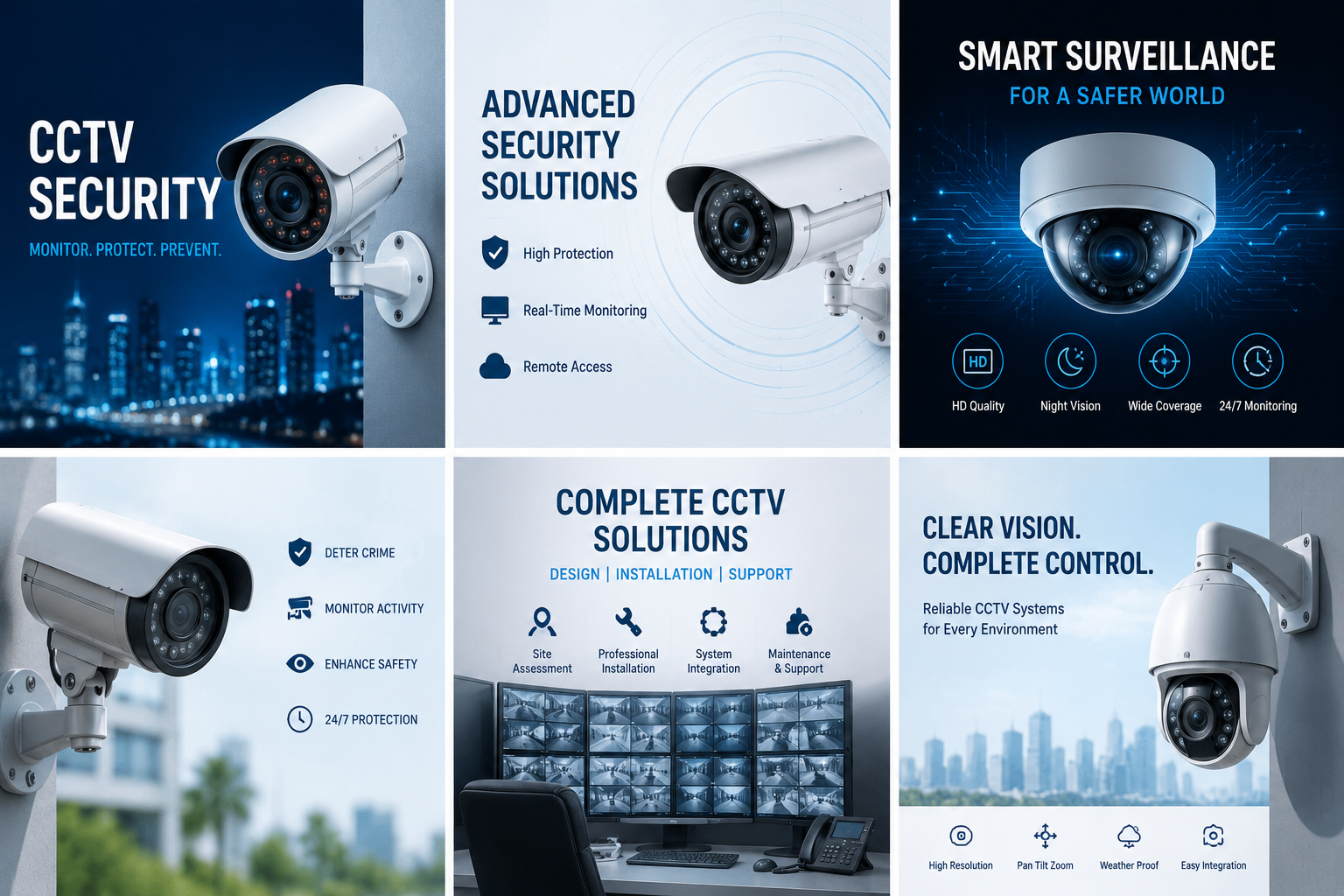
In Dubai, where apartments, villas, and residential communities have different layouts and requirements, planning the right technology setup can make everyday living easier. However, choosing equipment without understanding the property's needs can lead to poor camera coverage, weak Wi-Fi signals, connectivity problems, and unnecessary expenses.
Here are some important considerations homeowners should understand before planning a home CCTV and networking setup.
1. Assess Your Property Before Choosing CCTV Cameras
One of the first steps in planning a CCTV system is identifying which areas require monitoring. Installing cameras without considering the property layout may leave important areas uncovered.
For a typical home, homeowners may consider monitoring:
Main entrances and access points
Garage entrances and driveways
Outdoor pathways and garden areas
Balconies and other suitable external spaces
Common indoor entry areas where appropriate
The number of cameras required depends on the property's size, layout, entry points, and monitoring objectives.
Before purchasing equipment, consider the camera's viewing angle, image resolution, night vision capabilities, weather resistance for outdoor locations, and available storage options.
For outdoor installations, equipment should be suitable for the environmental conditions in which it will operate. Dubai's heat, dust, and exposure to sunlight make equipment selection particularly important.
2. Choose Between Wired and Wireless CCTV Systems
Both wired and wireless CCTV systems can be useful, but the right option depends on the property and installation requirements.
Wired CCTV Systems
Wired systems commonly use network or coaxial cables to connect cameras to recording equipment. They can provide a stable connection and are often considered for larger properties or permanent installations.
However, cable routing needs to be planned carefully. Existing buildings may require additional work to accommodate wiring.
Wireless CCTV Systems
Wireless cameras can simplify installation where running cables is difficult. They may be suitable for selected residential applications, depending on Wi-Fi coverage and power availability.
However, wireless does not always mean cable-free. Some cameras still require a power connection, and network performance can affect video transmission.
Homeowners should compare both options based on installation complexity, reliability, maintenance, and long-term requirements rather than choosing solely on price.
3. Plan Your Home Network for Reliable Connectivity
A CCTV system is only one part of a connected home. Smart televisions, computers, smartphones, security devices, and other connected equipment all depend on a reliable network.
A weak Wi-Fi signal can affect video streaming, online meetings, smart devices, and remote camera access.
Before selecting networking equipment, consider:
The total area that needs Wi-Fi coverage
The number of connected devices
Internet usage and bandwidth requirements
The number of floors and walls
Router placement and available network connections
For larger villas or properties with multiple floors, a single router may not provide sufficient coverage. Additional wireless access points or a suitable mesh networking solution may help improve connectivity.
It is also useful to keep networking equipment in a ventilated and accessible location so that maintenance and troubleshooting are easier.
4. Consider Storage and CCTV Recording Requirements
CCTV footage is useful only when the system can record and retrieve it reliably.
Homeowners can explore different recording options depending on their requirements.
A Digital Video Recorder (DVR) is commonly associated with analogue camera systems, while a Network Video Recorder (NVR) is generally used with IP camera systems.
Some cameras also offer cloud-based recording options.
Before choosing a recording solution, consider:
Number of cameras connected
Video resolution and recording quality
Continuous or motion-based recording
Required retention period
Available storage capacity
Secure access to recorded footage
Storage requirements vary depending on camera settings, recording schedules, and the number of devices. It is therefore better to estimate storage needs before purchasing recording equipment.
Homeowners should also protect recording systems with strong passwords and appropriate access permissions.
5. Don't Overlook Access Control and Entry Security
CCTV cameras help monitor activities, while access control systems can help manage who enters a property.
Depending on the property's design and requirements, access control options may include keypad-based entry, card readers, biometric systems, or suitable smart locks.
For residential properties, the choice should consider convenience, security, compatibility, and emergency access requirements.
Any installation involving shared building entrances or common areas should also respect building management requirements and applicable privacy rules.
A well-planned combination of CCTV and access control can provide better visibility and management of residential entry points.
6. Protect Your Technology with UPS and Power Backup
Power interruptions can affect networking devices, CCTV recording equipment, and other essential electronics.
An Uninterruptible Power Supply (UPS) provides temporary backup power to connected equipment when the main power supply is interrupted.
For a home security setup, a suitable UPS may help keep selected devices operating for a limited period during a power interruption.
When selecting a UPS, consider:
Total power consumption of connected devices
Required backup runtime
Battery capacity
Equipment compatibility
Maintenance and battery replacement requirements
The UPS should be selected according to the actual electrical load. Overloading a unit or choosing insufficient capacity may prevent it from providing the expected backup time.
7. Maintain Your CCTV and Networking Equipment Regularly
Technology systems need periodic maintenance to remain reliable.
Dust accumulation, loose connections, outdated firmware, damaged cables, and ageing batteries can affect performance.
A simple maintenance routine can include:
Checking camera views and image quality.
Cleaning suitable camera lenses and external housings.
Verifying that recording equipment is functioning correctly.
Reviewing storage capacity and recording availability.
Checking router and access point performance.
Updating device firmware where appropriate.
Reviewing passwords and authorised users.
Homeowners should also periodically check whether their recording system is saving footage correctly rather than assuming that a connected camera is always recording.
For electrical work, cable installation, or modifications to fixed building systems, use appropriately qualified professionals and follow the relevant building requirements.
8. Choose the Right IT Hardware for Your Home
Selecting reliable equipment is an important part of building a practical home technology setup. Cameras, routers, network switches, storage devices, UPS systems, and related accessories should be compatible with one another.
Before purchasing, check product specifications, warranty coverage, manufacturer support, and compatibility with existing devices.
Homeowners who are comparing technology products can explore available options through Emratech Computers, an IT hardware and technology solutions provider in Dubai offering networking equipment, CCTV systems, access control products, UPS solutions, computers, and related IT hardware.
Taking time to compare specifications and understand installation requirements can help avoid compatibility issues and unnecessary replacements.
Final Thoughts
A reliable home technology setup requires more than purchasing a few cameras or upgrading a Wi-Fi router. CCTV coverage, network connectivity, recording capacity, access control, and power protection should all be considered together.
By assessing the property, selecting compatible equipment, planning installations carefully, and following a regular maintenance routine, homeowners in Dubai can build a more dependable residential technology environment.
The best approach is to focus on actual household requirements rather than buying equipment based only on the latest features or lowest prices.